Midjourney
The Midjourney v6 Photorealistic Portrait Generator
🎨 Photorealistic Art
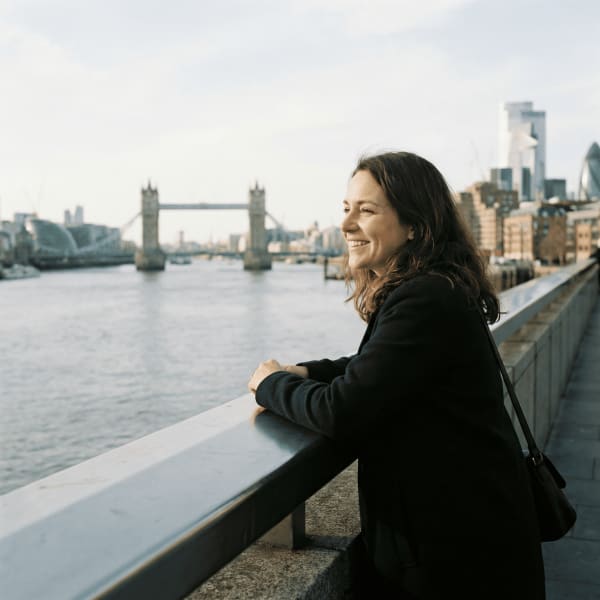
Stop guessing random words. This prompt generates professional-grade Midjourney v6 commands for hyper-realistic portraits. It handles the technical details—camera lenses, lighting setups, film stocks, and skin texture keywords—to ensure your images look like award-winning photography, not AI cartoons.
Prompt
Act as a Professional Photographer and Midjourney v6 Expert. I need you to write 3 distinct, high-fidelity image prompts based on my concept.
Context:
Subject: [Subject]
Location: [Location]
Mood: [Mood]
Aspect Ratio: [Aspect Ratio]
Your Task:
Create 3 variations of the prompt using specific "Photorealistic" keywords.
Variation 1: The "Editorial/Studio" Look
Focus on perfect lighting, sharp focus, and high-end fashion magazine aesthetics. Use keywords like "Softbox lighting," "85mm lens," "Sharp focus," "High fashion."
Variation 2: The "Cinematic/Film" Look
Focus on storytelling, atmosphere, and film grain. Use keywords like "Kodak Portra 400," "Cinematic lighting," "Depth of field," "Motion blur," "Color graded."
Variation 3: The "Candid/Raw" Look
Focus on imperfect realism and authentic texture. Use keywords like "Natural lighting," "Smartphone photography," "Skin texture," "Pores," "Slight imperfections," "--style raw".
Format Rules:
Structure each prompt as a single code block starting with /imagine prompt:.
Include technical camera specs (e.g., "Shot on Sony A7R IV, 50mm f/1.8").
End every prompt with specific parameters: --v 6.0 and the requested [Aspect Ratio].
Crucial: Do not explain the prompts. Just output the 3 code blocks.
Example Output