Adobe's generative creative platform for image, vector, video, and audio work, with free access and paid plans.
Best for: Image generation and editing and Vector generation
Image Generation
AI image toolkit for cleanup, backgrounds, relighting, upscaling, text removal, and creative generation.
Best suited to
Background removal and Image cleanup
AI image toolkit for cleanup, backgrounds, relighting, upscaling, text removal, and creative generation.
Choose a tool, upload a reference, and inspect the edited image for unwanted changes before export.
Access and pricing: Free has per-tool limits, including 20 operations/24 hours for several editing tools. Pro expands usage and generation; not every operation is free.
The pricing page lists a Free tier with per-tool daily limits: 20 per 24 hours for background removal, upscaling, cleanup and relight, and 50 per 24 hours for text removal. Pro raises these to 1,000 per 24 hours with high-resolution output and a skip-the-queue benefit on generation.
People who need quick one-off edits such as cutting out a product, removing a watermark-like text overlay or upscaling a small image, without opening a full editor.
On the Free tier the page shows the upscaler at x2, while Pro lists x16. The Pro price showed as a placeholder in our fetch, so the exact monthly cost is unconfirmed. An API is offered on usage-based pricing through a separate page. Inspect each edited image for artefacts before using it.
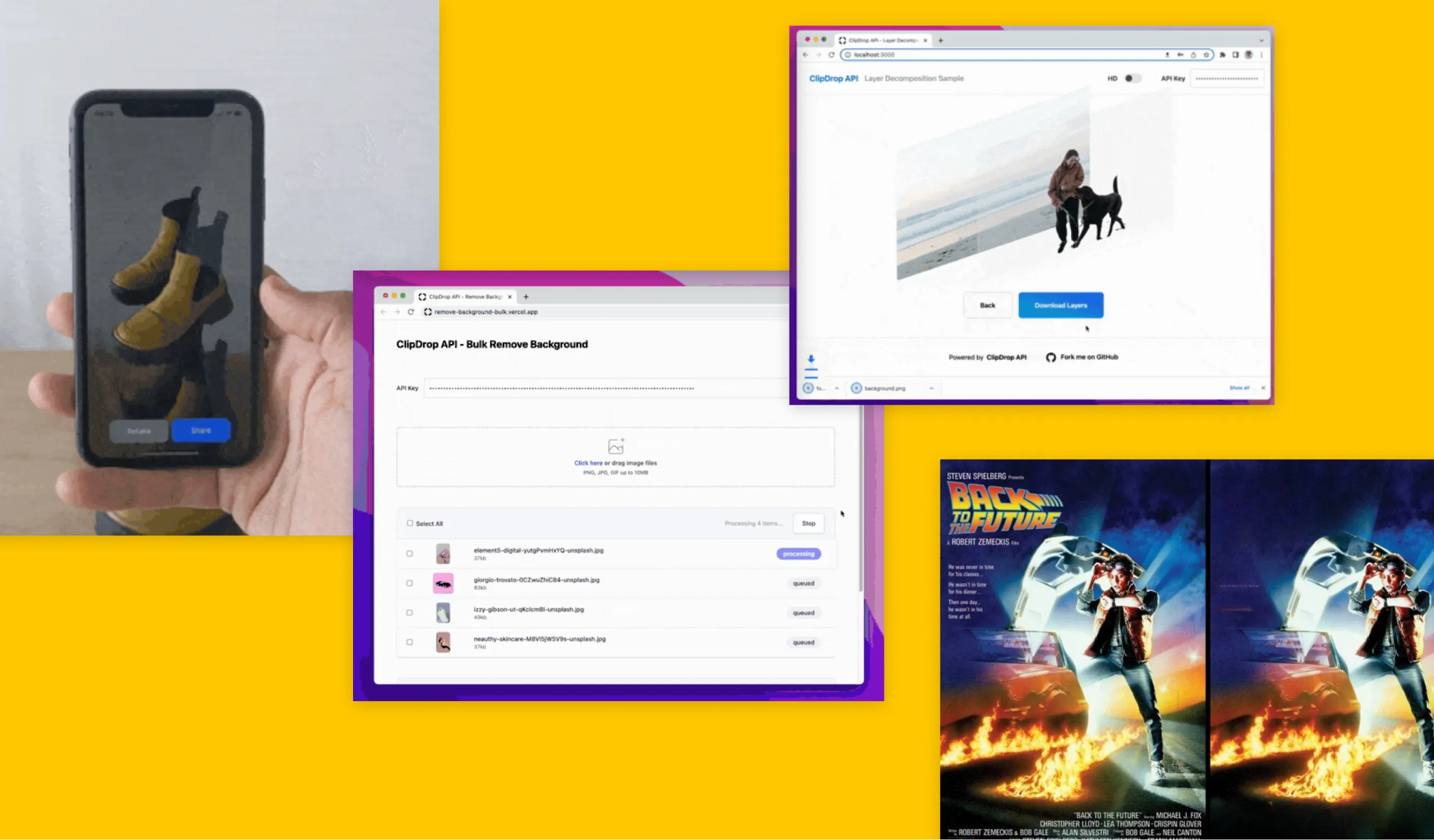
Background removal
Image cleanup
Upscaling
Relighting
Text removal
Image generation
Free has per-tool limits, including 20 operations/24 hours for several editing tools. Pro expands usage and generation; not every operation is free.
$0
Check provider checkout
Plan information can change. Prices and conditions are set by the provider. Information checked 2026-10-06.
Source for access detailsOne email a week with pricing and feature changes in this category. No per-tool price alerts.
By subscribing you agree to receive this email from Genius Forges and to us storing your address to send it. We may ask you to confirm by email. Every email has an unsubscribe link. See our privacy policy.
Choose a tool, upload a reference, and inspect the edited image for unwanted changes before export.
Free has per-tool limits, including 20 operations/24 hours for several editing tools. Pro expands usage and generation; not every operation is free.
Official-source information was reviewed on 2026-10-06. Plans and limits can change; check the linked provider source before subscribing.
Yes, Clipdrop has a free tier. Its pricing page shows daily limits per tool, such as 20 per 24 hours for background removal and 50 per 24 hours for text removal. Pro raises these limits.
According to the pricing page, the Free tier allows 20 operations per 24 hours for tools like background removal, upscaling, cleanup and relight, and 50 for text removal. Limits can change, so check the page.
Yes. The pricing page says an API is available on usage-based pricing, with separate API pricing linked from the page. It did not list API limits for either plan.
Pro lists 1,000 operations per 24 hours per tool with high-resolution output and a queue skip, while Free lists 20 to 50 and an x2 upscaler. Pro's upscaler goes up to x16, per the pricing page.
Tell us what needs improving. No account or private output required.
Report incorrect information or a broken linkAdobe's generative creative platform for image, vector, video, and audio work, with free access and paid plans.
Best for: Image generation and editing and Vector generation
Creative AI platform for image generation, visual guidance, editing, and paid production workflows.
Best for: Image generation and Visual guidance controls
AI image creation platform with subscription-based generation and different speed, video, and privacy allowances.
Best for: Subscription-based image creation and visual exploration
On Product Hunt
External community signal. Not our editorial ranking.