
Image prompt
ChatGPTArt & Design
Silver Mini-Dress Neon Rooftop Photo Transformation
Restyle your own adult photo as a nightlife fashion editorial with a silver mini dress, a neon skyline and a clear, recognizable face.
Prompts that turn an uploaded photo into a new portrait, scene or collectible, with example results and editable inputs.
20 prompts
Restyle your own adult photo as a nightlife fashion editorial with a silver mini dress, a neon skyline and a clear, recognizable face.

Use your photo for a gentle woodland beauty editorial with leaf-shaped eye accents. The prompt preserves facial proportions and treats the makeup as styling rather than an identity change.

Turn your portrait into a cool-blue winter sports editorial while retaining recognizable facial features. Use a restrained ice-rink scene instead of an unrelated new face.

Create a literary autumn portrait from your own photo: a wool coat, notebook and rainy train window. This identity-reference prompt gives the Poetcore aesthetic a practical editorial composition.

You’ll be able to create one four-panel portrait across distinct eras from your photo. Change styling and film treatment while checking that age, skin tone and recognizable facial features stay consistent.

You’ll be able to turn your own portrait into a miniature desk-figurine concept. Personalize the outfit and collector-box title, then inspect likeness, anatomy and packaging text.

Create a soft, alluring evening portrait from your photo with a champagne silk gown, warm lounge light and natural facial detail.

Turn your own portrait into a striking black-and-white fashion image with tailored styling, sculpted light and an expressive, recognizable face.

Create a tasteful resort fashion portrait from your own photo: an ivory summer maxi dress, ocean views and soft sunset light.

Turn your own adult portrait into a confident red-carpet fashion image with a red satin dress, cinematic flash and recognizable facial features.

Use your own uploaded photo to create a 80s retro portrait while keeping the subject recognizable. Includes a fictional reference and a real AI-edited example.

Use your own uploaded photo to create a gothic beauty portrait while keeping the subject recognizable. Includes a fictional reference and a real AI-edited example.

Use your own uploaded photo to create a romantic bookshop portrait while keeping the subject recognizable. Includes a fictional reference and a real AI-edited example.

Use your own uploaded photo to create a dusty rose hair portrait while keeping the subject recognizable. Includes a fictional reference and a real AI-edited example.

Use your own uploaded photo to create a copper hair try-on while keeping the subject recognizable. Includes a fictional reference and a real AI-edited example.

Use your own uploaded photo to create a french bob try-on while keeping the subject recognizable. Includes a fictional reference and a real AI-edited example.

Use your own uploaded photo to create a sci-fi portrait while keeping the subject recognizable. Includes a fictional reference and a real AI-edited example.

Use your own uploaded photo to create a gothic masquerade portrait while keeping the subject recognizable. Includes a fictional reference and a real AI-edited example.

Use your own uploaded photo to create a autumn film portrait while keeping the subject recognizable. Includes a fictional reference and a real AI-edited example.
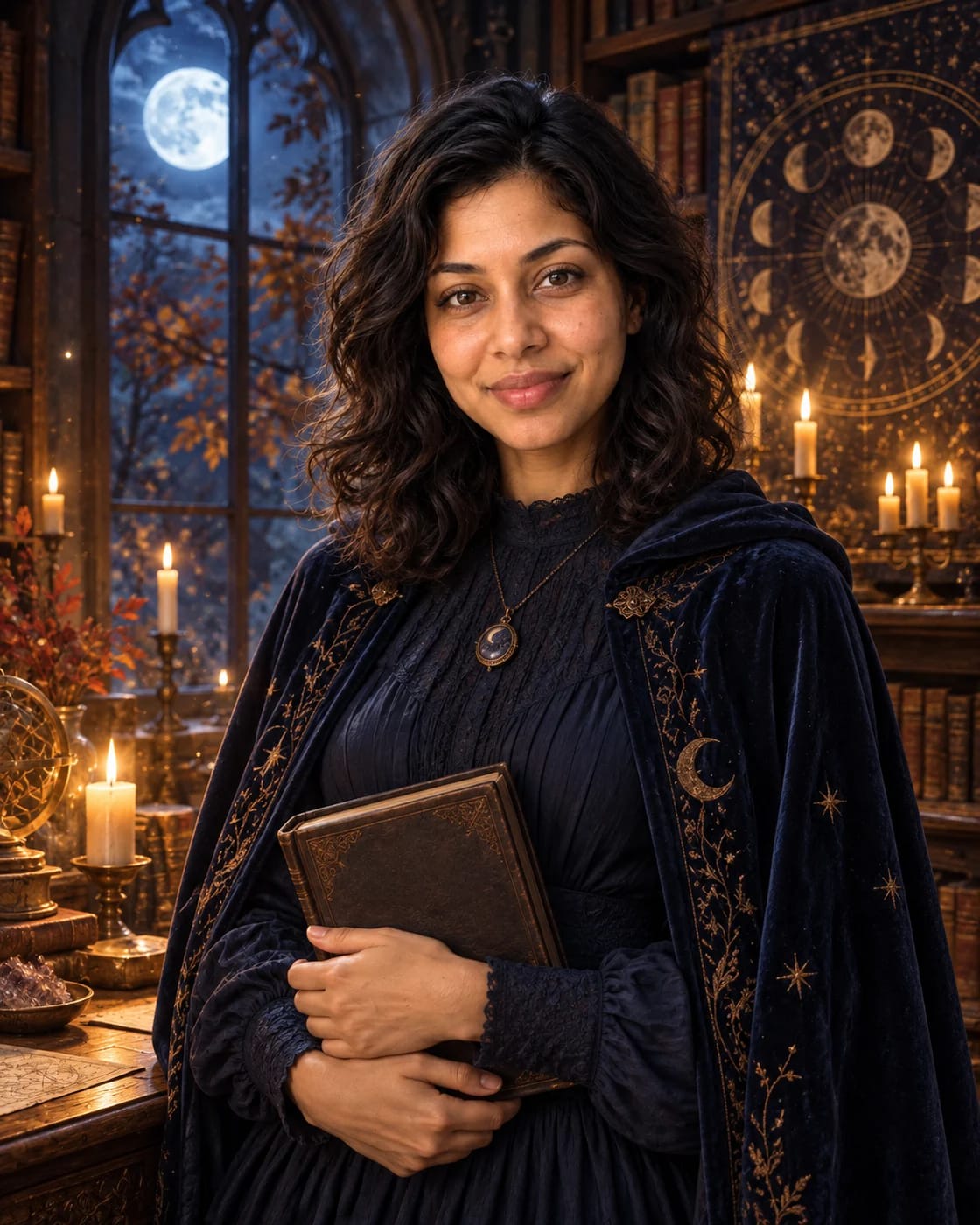
Use your own uploaded photo to create a halloween witch portrait while keeping the subject recognizable. Includes a fictional reference and a real AI-edited example.
This hub groups the photo transformation prompts in the library: prompts you use together with a photo you upload to an image-capable assistant. They turn a reference portrait into a different scene, era, outfit or product style, such as a retro studio portrait, a rooftop evening shot, an autumn window light portrait or a collectible figure in packaging. Each prompt page shows an example result and says which photo to attach. Open a prompt, adjust the scene details, attach your own photo, copy the text and paste it into the image tool listed on the page. Only use photos of yourself or people who have agreed, and never upload photos of children or private documents. Results vary from run to run, and generated images can alter faces, hands and small text, so review each image before sharing it. Check the terms of your image tool before using results commercially. Each prompt page shows the full text and its input mode. Example images illustrate the style; they are not a guarantee of what your own run will produce.