Terminal-based AI coding tool that edits an existing codebase and works with Git and chosen model providers.
Best for: Developers making reviewable code changes from the terminal
Coding & DevelopmentAI Agents & Workflows
GitHub's AI coding tools for editor assistance, agents, code review, and issue-to-pull-request workflows.
Best suited to
Coding assistance in an existing GitHub development workflow
GitHub's AI coding tools for editor assistance, agents, code review, and issue-to-pull-request workflows.
Use an assistant in your coding environment, inspect proposed changes, and run the project's checks before merging.
Access and pricing: Free provides limited chat and agent usage. Paid plans include larger allowances; agentic features consume GitHub AI Credits and can involve additional usage charges.
Try this task: Add a boundary test to existing code Give the assistant a function that sums paid rows and request a test for an empty list and an unpaid row.
Check the result: Expected totals: [] gives 0; paid 10 plus unpaid 99 gives 10. Confirm the test runs against the real function.
Choose carefully: A suggested test can mirror a mistake; define the expected behavior independently.
Evidence: This is an editorial exercise based on the documented product scope, not a recorded hands-on product benchmark. Use permitted or fictional inputs and record your own observed result.
GitHub's plans page shows a Free plan alongside paid tiers, so you can try Copilot before paying. The product covers editor assistance, agents, code review and issue-to-pull-request workflows, per the existing listing.
Developers working in GitHub repositories, where suggestions can reflect nearby code and tests, are the obvious audience. Business covers the IDE, CLI and GitHub Mobile with license and policy management, and Enterprise adds GitHub.com chat and codebase indexing.
The plans page lists Free at $0 with 2,000 inline suggestions per month and 50 chat requests (including Copilot Edits). Pro is $10 per month, Pro+ is $39 and Max is $100, each with unlimited inline suggestions and monthly AI credits ($10, $39 and $100 base, with extra flex allotments listed). Business and Enterprise prices are via sales. Agentic features consume AI credits and can bring additional charges. Treat suggestions as drafts and run your tests.
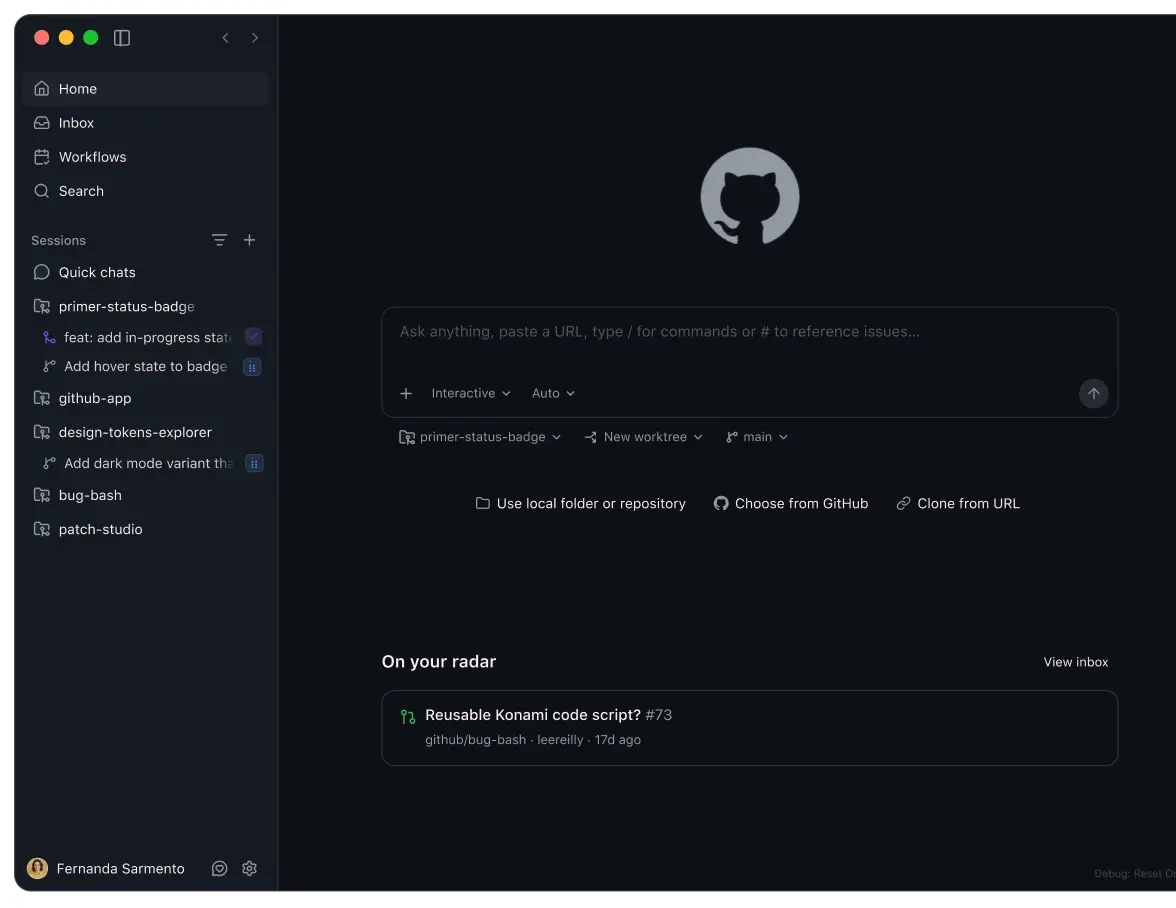
Editor coding assistance
Agent mode
CLI assistance
Cloud agents on eligible plans
Code review
Free provides limited chat and agent usage. Paid plans include larger allowances; agentic features consume GitHub AI Credits and can involve additional usage charges.
Plan information can change. Prices and conditions are set by the provider. Information checked 2026-10-06.
Source for access detailsOne email a week with pricing and feature changes in this category. No per-tool price alerts.
By subscribing you agree to receive this email from Genius Forges and to us storing your address to send it. We may ask you to confirm by email. Every email has an unsubscribe link. See our privacy policy.
Use an assistant in your coding environment, inspect proposed changes, and run the project's checks before merging.
Free provides limited chat and agent usage. Paid plans include larger allowances; agentic features consume GitHub AI Credits and can involve additional usage charges.
Official-source information was reviewed on 2026-10-06. Plans and limits can change; check the linked provider source before subscribing.
Yes, there is a Free plan at $0 with 2,000 inline suggestions per month and 50 chat requests, according to GitHub's plans page. Paid plans raise those limits.
The plans page lists Pro at $10 per month, Pro+ at $39 and Max at $100, with Business and Enterprise priced through sales. Prices may change, so confirm on GitHub.
Copilot is used for coding help in the editor, agent tasks, code review and turning issues into pull requests. You should still review suggestions and run your project's checks.
The plans page lists monthly AI credits per paid plan, and our listing notes agentic features consume them and can involve additional usage charges. Check GitHub's billing docs for how credits are counted.
Tell us what needs improving. No account or private output required.
Report incorrect information or a broken linkTerminal-based AI coding tool that edits an existing codebase and works with Git and chosen model providers.
Best for: Developers making reviewable code changes from the terminal
AI app and website builder with conversational development, editable projects, and publishing services.
Best for: Conversational app building and Website generation
AI code editor and coding agent for project-aware changes, task delegation, review, and connected development workflows.
Best for: Project-aware coding agents and reviewable code changes