Creative AI suite for generating and editing images or video and enhancing visual assets.
Best for: Image generation and Realtime visual creation
Image GenerationVideo Generation
Remove product backgrounds, upscale images and prepare clean catalog visuals in an AI photo editor.
Best suited to
Remove product backgrounds, upscale images and prepare clean catalog visuals in an AI photo editor.
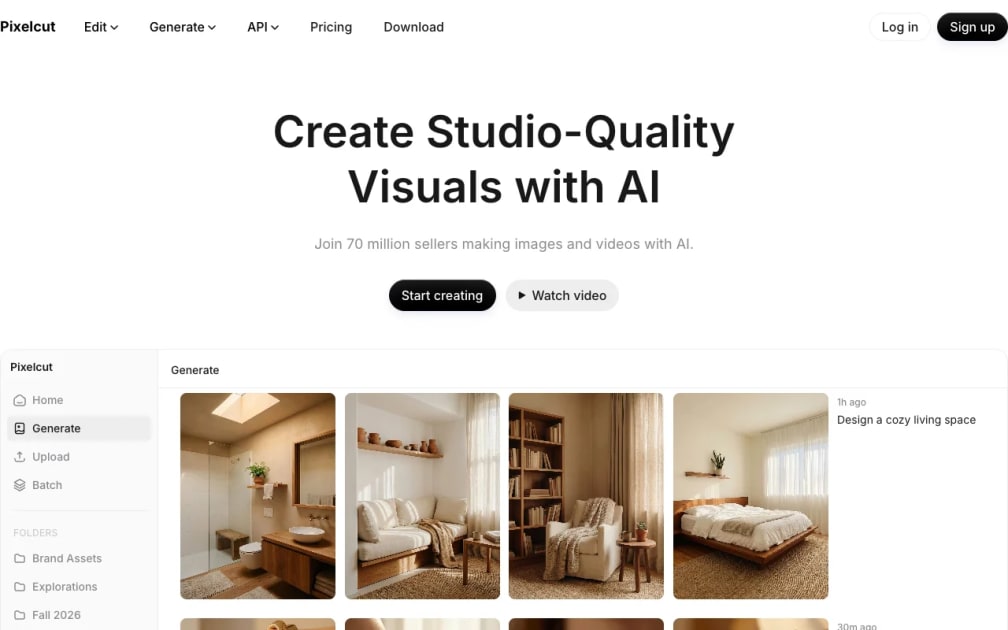
Pixelcut suits independent sellers preparing product photos rather than designers who need a full layer-based studio. Its focused editing tools let you separate a subject from its background and improve an image before placing it in a new product scene. Start with a sharp owned photograph: the quality of the original edges and materials still matters. It is useful for a small catalog that needs consistent presentation, but it should not be used to invent a product feature or hide a defect.
Getting started (documentation-based; not a hands-on product test):
Example task (illustrative): A plain ceramic mug on a neutral tabletop, with the handle and surface color preserved.
Check the result against your original input and the stated plan limits. Sources reviewed on 11 October 2026 are linked below.
Background removal
Image upscaling
AI product-photo creation
Photo editing in the browser
Watermark-free exports on the listed free plan
Limited background removal and upscale; advanced allowances depend on the plan.
Plan information can change. Prices and conditions are set by the provider. Information checked 2026-10-11.
Source for access detailsOne email a week with pricing and feature changes in this category. No per-tool price alerts.
By subscribing you agree to receive this email from Genius Forges and to us storing your address to send it. We may ask you to confirm by email. Every email has an unsubscribe link. See our privacy policy.
Pixelcut suits independent sellers preparing product photos rather than designers who need a full layer-based studio. Its focused editing tools let you separate a subject from its background and improve an image before placing it in a new product scene.
Limited background removal and upscale; advanced allowances depend on the plan.
Open an owned product image in the relevant editing tool.
Export and check color, shape and label accuracy before listing.
This listing is based on official documentation reviewed on 11 October 2026. The sample is illustrative; no hands-on product result is claimed.
Tell us what needs improving. No account or private output required.
Report incorrect information or a broken linkDocumentation-based review · 2026-10-11
Original editorial guidance based on official product and access documentation. Example tasks are illustrative, not observed product tests.
Creative AI suite for generating and editing images or video and enhancing visual assets.
Best for: Image generation and Realtime visual creation
AI design platform for generating and editing images, vectors, styles, illustrations, and mockups.
Best for: Designers checking vectors, styles, and asset licensing
AI tool for creating personalised sticker-style images from a photo.
Best for: Photo-based stickers and Personalised sticker generation