AI memory and organisation workspace with an agent for notes, tasks, projects, routines, and connected context.
Best for: AI memory and Notes
Productivity & Automation
About this listing
Official documentation reviewed; examples are illustrative. No hands-on performance claim.
Official sourceReflect’s current app stores notes in local files with iCloud Drive or Git sync choices and optional AI.
Best suited to
Local notes with optional bring-your-own-key AI
Reflect’s current app stores notes in local files with iCloud Drive or Git sync choices and optional AI. It suits personal knowledge work where you want linked notes and an explicit provider choice.
Best for: Local notes with optional bring-your-own-key AI.
Illustrative input: Summarise the two allowed project notes; do not use the private personal note.
Illustrative expected result: A summary of permitted material with links back to those notes, not a claim of universal confidentiality. This is an editorial example, not a recorded vendor test. Check it against your original material before using it.
The current Mac app is free; iPhone and iPad require a paid subscription at local App Store prices. Optional AI requires your own API key and separate provider payment.
AI provider usage is billed separately from the app. Start with the smallest useful task; keep the original input and compare the result before committing to a larger workflow.
Mem: compare a hosted notes workspace. Notion AI: use AI alongside team documents.
Reviewed 9 October 2026 against official product documentation. Feature access and prices can change; the linked provider terms govern your account.
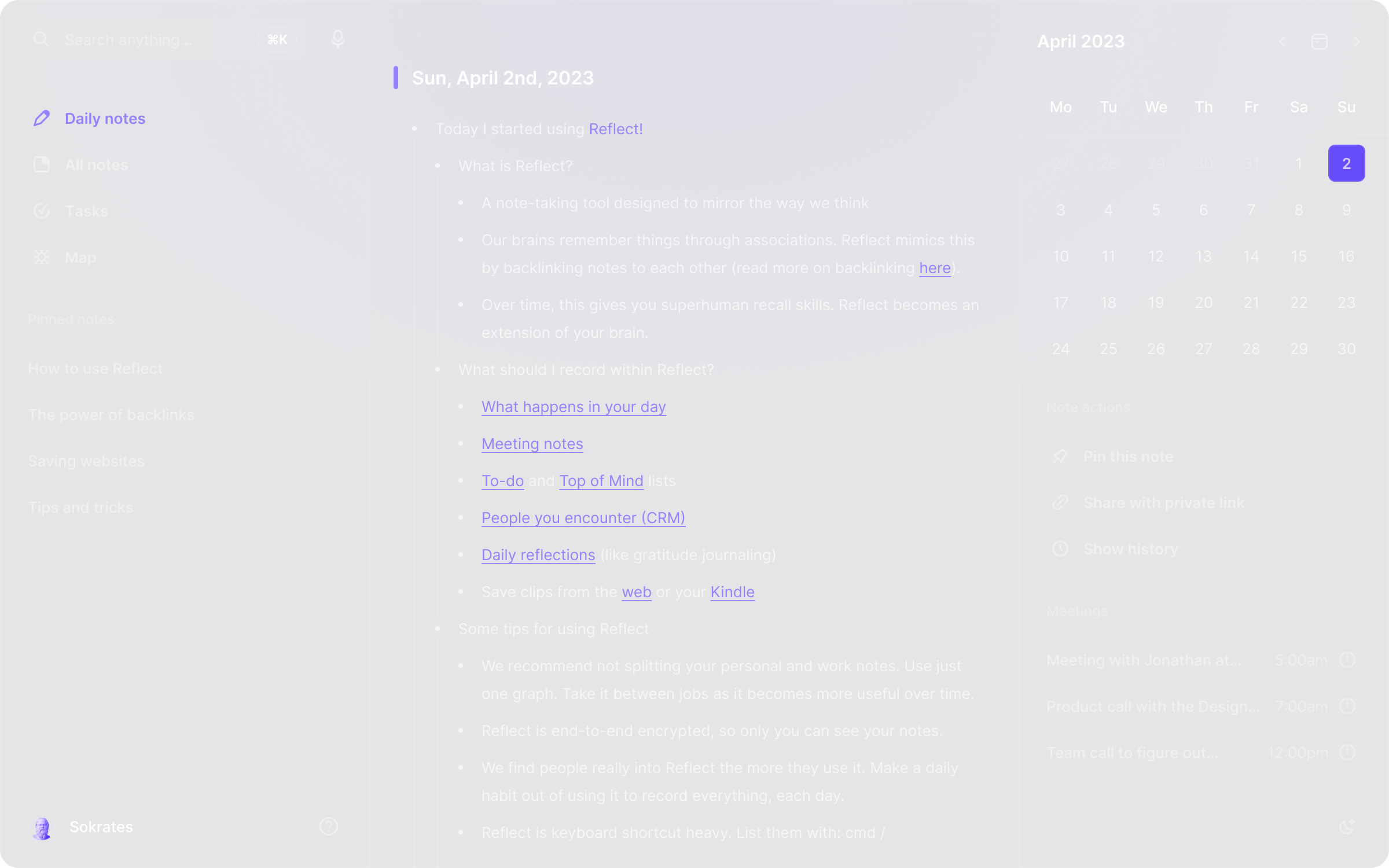
Local note files
Backlinked notes
iCloud Drive sync
Git sync
Optional AI questions
Text summarising
Private-note exclusions
The current Mac app is free; iPhone and iPad require a paid subscription at local App Store prices. Optional AI requires your own API key and separate provider payment.
Plan information can change. Prices and conditions are set by the provider. Information checked 2026-10-09.
Source for access detailsOne email a week with pricing and feature changes in this category. No per-tool price alerts.
By subscribing you agree to receive this email from Genius Forges and to us storing your address to send it. We may ask you to confirm by email. Every email has an unsubscribe link. See our privacy policy.
Reflect’s current app stores notes in local files with iCloud Drive or Git sync choices and optional AI. It suits personal knowledge work where you want linked notes and an explicit provider choice.
The current Mac app is free; iPhone and iPad require a paid subscription at local App Store prices. Optional AI requires your own API key and separate provider payment.
Create three fictional connected project notes Keep one note marked private before enabling AI access Connect an eligible provider key only if you want AI features Ask for a summary and verify that excluded notes are not used
AI provider usage is billed separately from the app Current Mac and mobile pricing differs; Classic is a separate maintained product
Mem: compare a hosted notes workspace. Notion AI: use AI alongside team documents.
Tell us what needs improving. No account or private output required.
Report incorrect information or a broken linkDocumentation-based review · 2026-10-09
Original editorial guidance based on linked official sources; sample inputs and outputs are illustrative.
AI memory and organisation workspace with an agent for notes, tasks, projects, routines, and connected context.
Best for: AI memory and Notes
AI features inside Notion for writing, search, meeting notes, agents, and connected workspace tasks.
Best for: AI assistance grounded in a Notion workspace
AI analytics workspace with agentic notebooks, conversational data exploration and shareable data apps.
Best for: Hex suits analysts and data teams that want one workspace for SQL, Python, AI-assisted exploration and interactive apps.