AI visual workspace for turning text into diagrams, flowcharts, mind maps, charts, and presentation material.
Best for: Turning a written explanation into a clear visual
Presentations & SlidesDesign & UX
AI presentation maker for turning prompts, notes, documents, and PDFs into slides in supported presentation workflows.
Best suited to
Prompt-to-presentation and Document input
AI presentation maker for turning prompts, notes, documents, and PDFs into slides in supported presentation workflows.
Provide an outline or source document, generate a deck, and review both its structure and factual content.
Access and pricing: Basic is free with 12 presentations/year, a 1,000-character input limit, and 120 annual AI credits. Paid plans expand capacity.
Based on SlidesAI's pricing page and listing, the tool turns text input into slides inside Google Slides and PowerPoint workflows. Pro and Premium also support document upload, which the free Basic plan does not.
Start on Basic with a short outline of up to 1,000 characters, generate a deck, and review it slide by slide. Check structure and facts, then adjust the design in your presentation app.
The pricing page lists Basic at $0 with 12 presentations per year, 1,000 characters per presentation, and 120 AI credits per year. Pro is shown at $10 per month billed $120 yearly with 120 presentations, 6,000 characters, 600 credits, and document upload. Premium is $20.83 per month billed $250 yearly with unlimited presentations, 12,000 characters, and 1,200 credits. The page contains conflicting prices elsewhere ($8.33 and $16.67), so confirm at checkout.
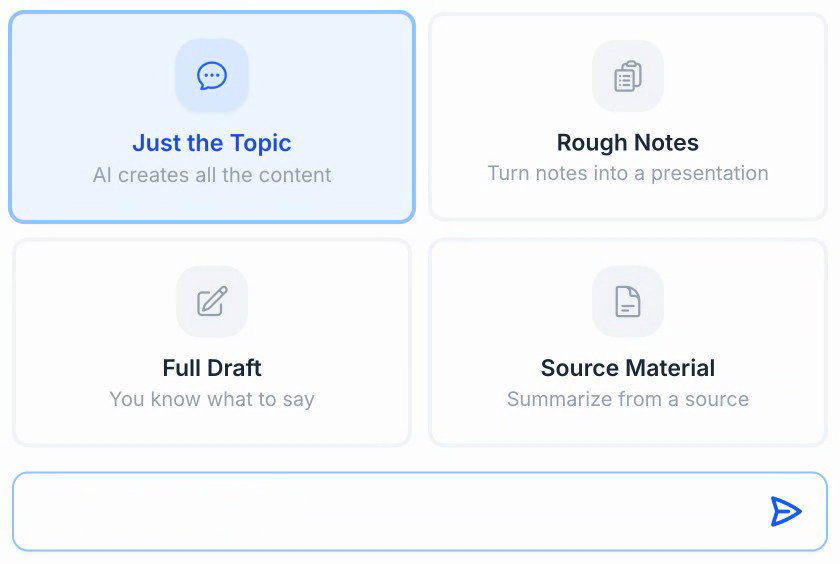
Prompt-to-presentation
Document input
Google Slides support
PowerPoint support
Web workspace
Basic is free with 12 presentations/year, a 1,000-character input limit, and 120 annual AI credits. Paid plans expand capacity.
Plan information can change. Prices and conditions are set by the provider. Information checked 2026-10-06.
Source for access detailsOne email a week with pricing and feature changes in this category. No per-tool price alerts.
By subscribing you agree to receive this email from Genius Forges and to us storing your address to send it. We may ask you to confirm by email. Every email has an unsubscribe link. See our privacy policy.
Provide an outline or source document, generate a deck, and review both its structure and factual content.
Basic is free with 12 presentations/year, a 1,000-character input limit, and 120 annual AI credits. Paid plans expand capacity.
Official-source information was reviewed on 2026-10-06. Plans and limits can change; check the linked provider source before subscribing.
Yes, the Basic plan is free. It allows 12 presentations a year, 1,000 characters of input per presentation, and 120 AI credits a year, and it does not include document upload, per the pricing page.
The pricing page shows Pro at $10 per month billed $120 yearly and Premium at $20.83 per month billed $250 yearly. Another part of the page shows lower figures, so verify the current price at checkout.
SlidesAI converts prompts, notes, and documents into presentation slides in supported workflows such as Google Slides and PowerPoint. Always review the output for accuracy.
Tell us what needs improving. No account or private output required.
Report incorrect information or a broken linkAI visual workspace for turning text into diagrams, flowcharts, mind maps, charts, and presentation material.
Best for: Turning a written explanation into a clear visual
AI presentation software with automated slide layouts, branded templates, and team presentation workflows.
Best for: Smart Slides and AI presentations
AI workspace for generating presentations, documents, websites, social content, and visual assets.
Best for: Presentation generation and Document creation
On Product Hunt
External community signal. Not our editorial ranking.