The useful result
Rewrite one section of a Word document with ChatGPT and accept only the changes that keep your original facts and meaning.
- Rewrite one section of a Word document with ChatGPT and accept only the changes that keep your original facts and meaning.
ChatGPT offers an add-in for Microsoft Word, so you can ask for rewrites in a sidebar next to your document. The risk is that a fluent rewrite quietly changes a fact. This lesson shows a safe loop: copy, rewrite one section, compare, then accept selectively.
Availability, plans and workplace admin settings can differ. Product features change quickly; check the tool's own help page for what your account offers today.
Setup is done from Word's add-in store; check OpenAI's help page for which plans and organisation settings support it. Reviewed on 10 October 2026. Expected outputs here are illustrative rather than captured AI runs. Account features, limits and wording can differ; keep your original inputs and verify the result before using it.
Before you start
- Microsoft Word with permission to install add-ins (an organisation admin may block it)
- A ChatGPT account
- A non-confidential document or a duplicate of one
Review evidence
Documentation-based review · 2026-10-10
Sources checked on the review date; exercise prompts and expected outputs are original illustrative teaching material.
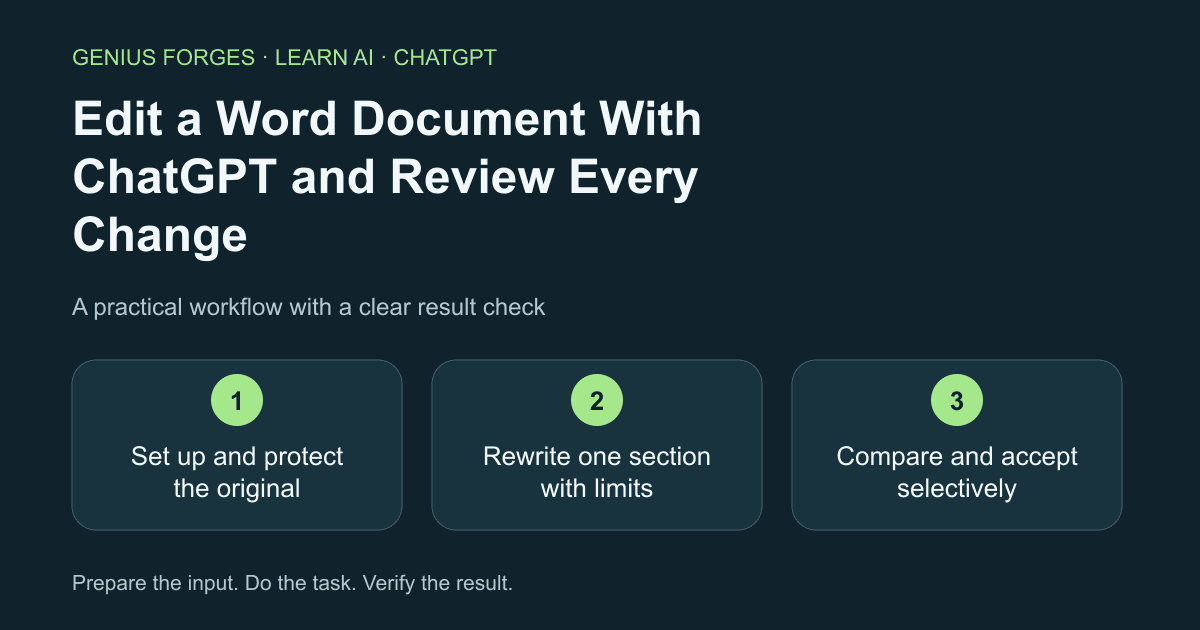
Set up and protect the original
Save a duplicate of your document and work in the copy. Open the ChatGPT add-in from the Word ribbon and sign in. If you cannot see it, your organisation may block it; the tool's help page explains where to check. Do not use client or confidential material unless your rules allow it.
Check your result
You are working in a copy and the original file is untouched.
Rewrite one section with limits
Select one paragraph rather than the whole document. State the audience, the length and what must stay the same. Ask the AI to keep numbers, names and dates exactly as written.
Rewrite the selected paragraph for a general reader in at most 120 words. Keep every number, name, date and quotation exactly as written. Do not add facts. Afterwards list any sentence where you changed the meaning.Example / expected result
Illustrative example (not a recorded model result): The rewrite lists one change: "usually" replaced "always" in sentence two.
Check your result
The AI's list of meaning changes matches what you see when you compare.
Compare and accept selectively
Place the original and the rewrite side by side, or use Word's compare feature if you have it. Check numbers, names and dates first, then tone. Keep good phrases, reject the rest, and read the final paragraph once without the AI.
Check your result
Every number, name and date in the final paragraph matches the original.
When it goes wrong
The add-in may not see everything you expect, and its chats may be separate from your main ChatGPT history, so repeat key instructions. A smoother sentence can remove a hedge ("may") and make a claim stronger. Workspace settings can disable it. Do not accept edits to legal or contractual text without a qualified reviewer.
Make it your own
Rewrite one paragraph from your own old report. List three changes the AI made and decide for each whether you accept it, and why.
Useful next resources
Sources and review
Last checked Oct 10, 2026. Features and account limits can change. Verify important results against your original material.
Did this help you complete your task?
Tell us what needs improving. No account or private output required.
Report incorrect information or a broken linkGenius Forges Editorial
Practical, documentation-reviewed AI exercises with explicit examples and independent result checks. Examples are illustrative unless a live test is explicitly documented.


