The useful result
Create a page-referenced summary and confirm at least five of its claims against the original pages.
- Create a page-referenced summary and confirm at least five of its claims against the original pages.
A short summary of a long document is useful only if you can trust it. This lesson asks for a section-by-section summary with page numbers, then has you verify a sample of claims and hunt for exceptions, deadlines and numbers the AI may have smoothed over.
Use a document you are permitted to upload. Scanned image-only PDFs may not be read correctly, so check that text can be selected first.
Reviewed on 10 October 2026. Expected outputs here are illustrative rather than captured AI runs. Account features, limits and wording can differ; keep your original inputs and verify the result before using it.
Before you start
- A text-based PDF you may upload
- An AI assistant that accepts file uploads or pasted sections
Optional attachment
Attach one text-based PDF you may legally share with the tool. If upload is not available, paste one chapter at a time and say which pages it covers.
Review evidence
Documentation-based review · 2026-10-10
Sources checked on the review date; exercise prompts and expected outputs are original illustrative teaching material.
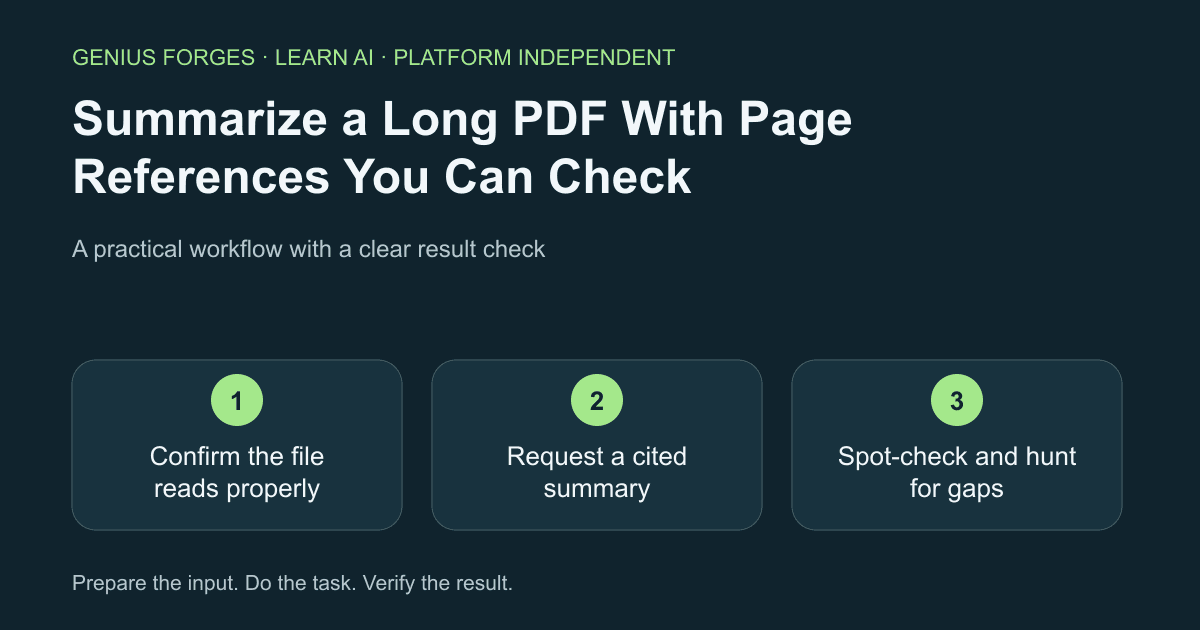
Confirm the file reads properly
Open the PDF and try to select a sentence. If you cannot, it is probably a scan and the AI may only see part of it. Note the total page count so you can compare it with what the AI says it read.
How many pages does the attached document have, and what are its section headings? Reply with only that.Example / expected result
Illustrative example (not a recorded model result): Reply: 24 pages; headings: Scope, Eligibility, Costs, Deadlines, Exceptions.
Check your result
The page count and headings match the file you opened.
Request a cited summary
Ask for a summary per section, each point ending with a page number. Ask separately for numbers, dates and exceptions, because summaries tend to drop them.
Summarize the attached document section by section in at most three bullets each. End every bullet with the page number. Then list all dates, amounts and exceptions or "unless" conditions you find, with page numbers. If you are unsure of a page, say so.Example / expected result
Illustrative example (not a recorded model result): Costs: fees are due before the start date (p. 12). Exceptions: late entries need written approval (p. 19).
Check your result
The summary cites page numbers for every bullet and has a separate list of dates, amounts and exceptions.
Spot-check and hunt for gaps
Open the cited pages for at least five claims, choosing the ones that would change a decision. Then skim the headings yourself for a section the summary never mentioned. Correct any mistake in the summary and note it.
Check your result
Five claims match their pages and no heading is missing from the summary.
When it goes wrong
Page numbers can refer to printed numbers, not the PDF viewer count; check both. Long files may be only partly read, and tables or footnotes are often lost. A confident summary can invert a condition ("unless" becomes "when"). Do not use it for legal, medical or financial decisions without reading the original.
Make it your own
Choose a policy or manual you actually need. Produce the cited summary, verify five claims, and write down one fact the first summary missed.
Useful next resources
Sources and review
Last checked Oct 10, 2026. Features and account limits can change. Verify important results against your original material.
Did this help you complete your task?
Tell us what needs improving. No account or private output required.
Report incorrect information or a broken linkGenius Forges Editorial
Practical, documentation-reviewed AI exercises with explicit examples and independent result checks. Examples are illustrative unless a live test is explicitly documented.


