AI customer agents for support, sales, and customer experience across chat and connected communication channels.
Best for: Knowledge-trained agents and Customer support
Customer Support
Customer-service workspace with Lyro AI, live chat, ticketing, and customer-conversation automation.
Best suited to
Lyro AI agent and Live chat
Customer-service workspace with Lyro AI, live chat, ticketing, and customer-conversation automation.
Add support content, test Lyro's answers, and use live chat or ticketing when a conversation needs a person.
Access and pricing: A Free core plan is available. Every account starts with 50 one-off Lyro conversations; paid Lyro access is needed to refresh the AI allowance monthly.
Tidio's pricing page shows a combined workspace: live chat, ticketing, email management and connections to Messenger, Instagram and WhatsApp, with Lyro as the AI agent. That lets a small team handle AI answers and human handover in one inbox.
Small online shops and service businesses that want a free core inbox and can test Lyro before paying. The Free plan lists 10 seats, which is generous for a starter team.
The Free plan covers 50 billable conversations a month. Your first 50 Lyro AI conversations are free but do not refresh, and Flows is limited to 100 unique visitors a month. Paid plans seen on the page: Starter at $24.17 a month, Growth from $49.17, and Plus from $300 plus usage. Lyro as a standalone product starts at $32.50 a month for 50 conversations. Paid Lyro quotas refresh 30 days after payment, and annual billing is described as two months free. Prices change, so confirm them on the page.
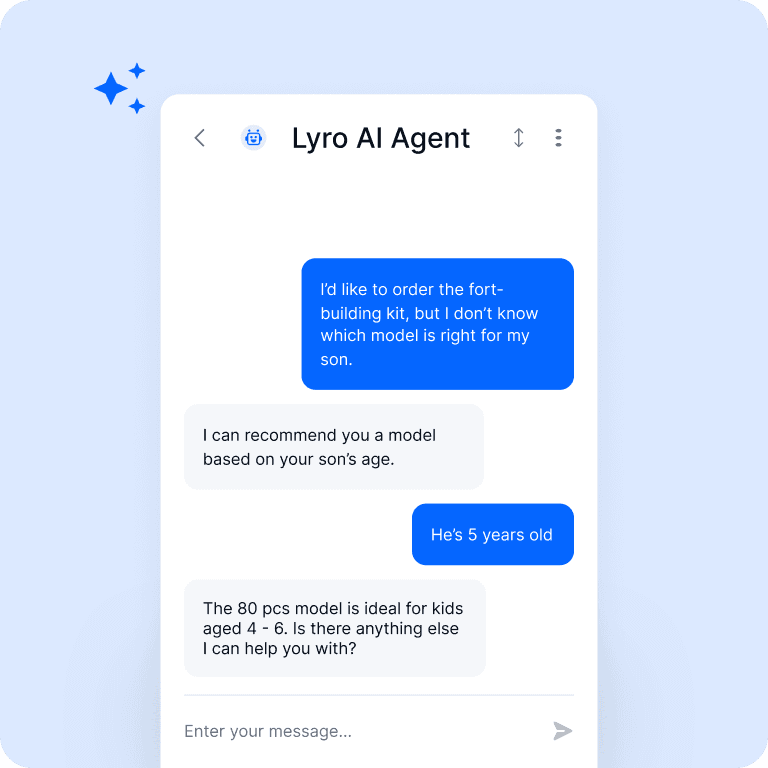
Lyro AI agent
Live chat
Ticketing
Conversation flows
Support analytics
A Free core plan is available. Every account starts with 50 one-off Lyro conversations; paid Lyro access is needed to refresh the AI allowance monthly.
Plan information can change. Prices and conditions are set by the provider. Information checked 2026-10-06.
Source for access detailsOne email a week with pricing and feature changes in this category. No per-tool price alerts.
By subscribing you agree to receive this email from Genius Forges and to us storing your address to send it. We may ask you to confirm by email. Every email has an unsubscribe link. See our privacy policy.
Add support content, test Lyro's answers, and use live chat or ticketing when a conversation needs a person.
A Free core plan is available. Every account starts with 50 one-off Lyro conversations; paid Lyro access is needed to refresh the AI allowance monthly.
Official-source information was reviewed on 2026-10-06. Plans and limits can change; check the linked provider source before subscribing.
Yes, Tidio has a Free plan at $0 a month. It lists 50 billable conversations, 10 seats, live chat, ticketing and email management. Lyro AI includes only 50 one-off conversations that do not refresh without a paid Lyro plan.
On the pricing page, Lyro as a standalone product starts at $32.50 a month for 50 conversations. Paid quotas range from 50 to 1,000 conversations a month and refresh 30 days after payment. Check the page for current rates.
The pricing page lists live chat, email, Messenger, Instagram and WhatsApp across plans, with app integrations on all plans. Plus and Premium add custom channels, and Plus lists OpenAPI.
Tell us what needs improving. No account or private output required.
Report incorrect information or a broken linkAI customer agents for support, sales, and customer experience across chat and connected communication channels.
Best for: Knowledge-trained agents and Customer support
Customer-service AI with agents, Copilot, automation, and knowledge tools in Zendesk's support platform.
Best for: AI customer agents and Agent Copilot
Fin AI customer agent for support and customer interactions across chat, email, voice, and connected helpdesk workflows.
Best for: Knowledge-based support and Customer-service agent
On Product Hunt
External community signal. Not our editorial ranking.