The useful result
Make one targeted edit to your own image and verify with a checklist that everything else stayed the same.
- Make one targeted edit to your own image and verify with a checklist that everything else stayed the same.
Image editors in chat tools have become better at precise edits, and ChatGPT's release notes describe ongoing improvements to image editing. The common failure is drift: you ask for a new background and the face, text or product shape changes too.
This lesson uses a harmless image you own and a strict compare-and-restate loop. Product features change quickly; check the tool's own help page for what your account offers today.
The release note is listed in OpenAI's ChatGPT release notes; this lesson does not depend on any specific model name. Reviewed on 10 October 2026. Expected outputs here are illustrative rather than captured AI runs. Account features, limits and wording can differ; keep your original inputs and verify the result before using it.
Before you start
- An image you own with no private people or documents in it
- A ChatGPT account with image creation available
Bring your own attachment
Upload one image you own, such as a product photo or a drawing, with no private documents or other people's faces in it.
Review evidence
Documentation-based review · 2026-10-10
Sources checked on the review date; exercise prompts and expected outputs are original illustrative teaching material.
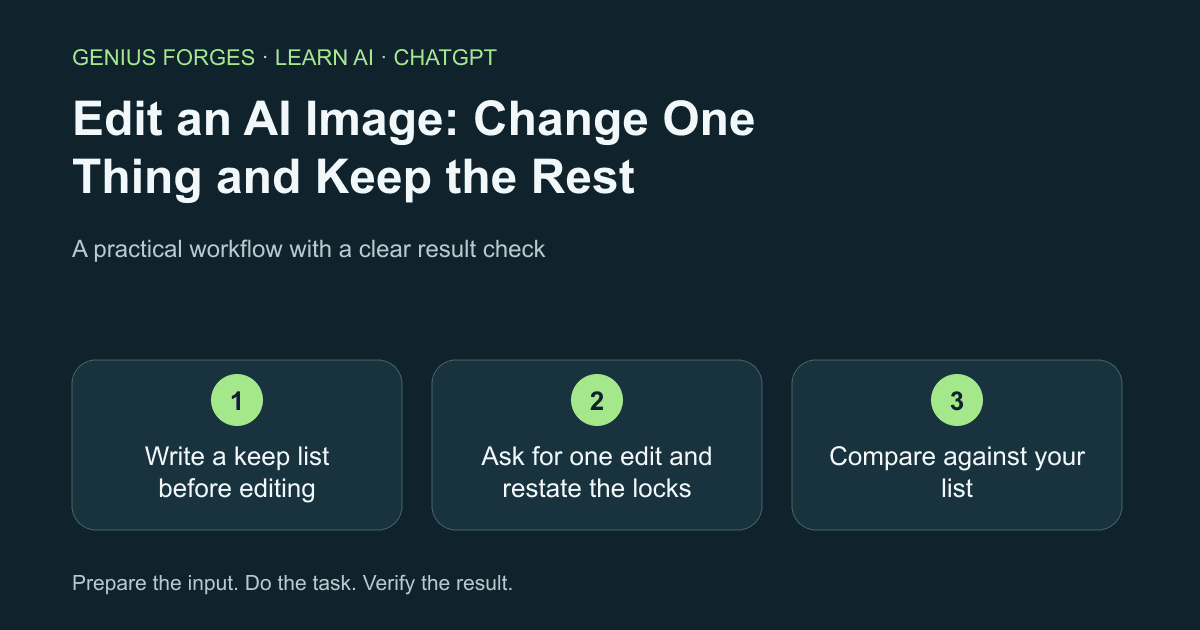
Write a keep list before editing
Look at the image and list five things that must not change, for example the object shape, any text, colours, framing and lighting. Choose exactly one thing to change.
Example / expected result
Illustrative example (not a recorded model result): Illustrative keep list: mug shape, printed logo, handle position, camera angle, table colour. Change: background only.
Check your result
You have five keep items and one change item written down.
Ask for one edit and restate the locks
Upload the image and give a single instruction, naming the keep list. Do not request style changes, retouching and a new background in one go.
Edit the attached image: change only [the one thing]. Keep these exactly the same: [your keep list]. Do not add text, logos or extra objects.Check your result
You received an edited image and you can name what was supposed to change.
Compare against your list
Place the two images side by side and go down your keep list. Zoom in on text, hands, edges and small details. If one item drifted, repeat the edit and name only that item as the problem rather than starting from scratch.
The [item] changed. Restore it exactly as in the original and keep everything else in this edit.Check your result
All five keep items match the original at full zoom.
When it goes wrong
Generated images may alter text, logos and faces even when asked not to; never use an edit as evidence of what something looks like. Only edit images you have rights to, and label AI-edited images where honesty matters, such as product listings. Tool names, limits and templates change often, so follow the tool's own help page.
Make it your own
Choose one of your own images, change only its background, and write down which keep item drifted first, if any.
Useful next resources
Sources and review
Last checked Oct 10, 2026. Features and account limits can change. Verify important results against your original material.
Did this help you complete your task?
Tell us what needs improving. No account or private output required.
Report incorrect information or a broken linkGenius Forges Editorial
Practical, documentation-reviewed AI exercises with explicit examples and independent result checks. Examples are illustrative unless a live test is explicitly documented.


